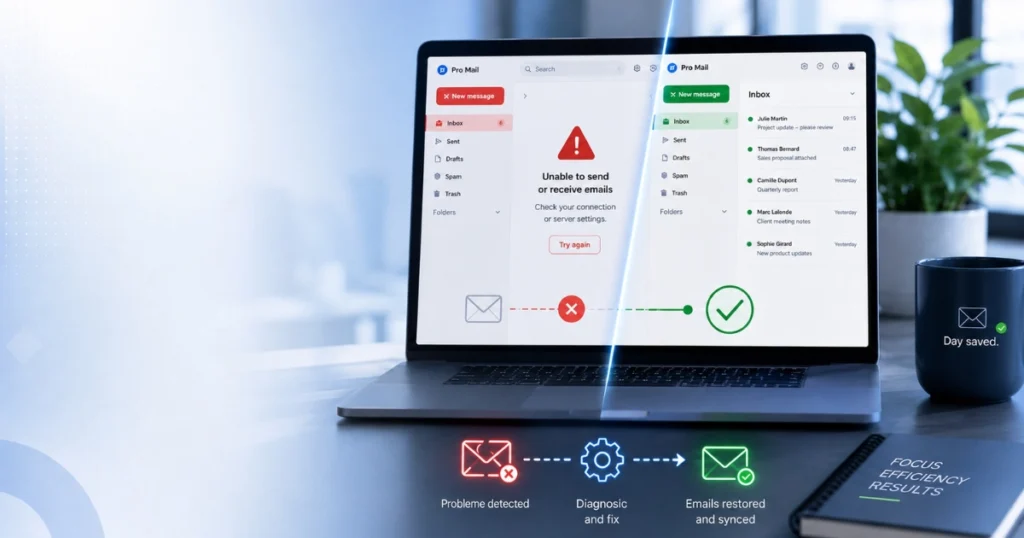
In the Canadian business world, an email outage isn’t just a minor IT inconvenience—it’s a critical emergency. Every hour spent without access to your inbox can mean lost quotes, frustrated clients, and stalled projects.
If you are currently asking yourself “why are my emails not coming through?” or facing a Microsoft Outlook email outage, you are not alone.
Discover how to check global network statuses and find out how our business tech support service can get you back online in no time.
First Reflex: Is It a General Outage or a Local Problem?
Before you start changing anything in your settings, it’s essential to know if the outage is widespread or isolated to your company.
To find out, the best online tool is Downdetector. This crowdsourced website tracks real-time outage reports submitted by thousands of users across Canada and worldwide.
- How to use it: Go to the platform and type in the name of your provider (for example: Microsoft 365, Gmail, Bell, or Videotron).
- The diagnosis: If you see a massive spike on the chart within the last hour, the problem is on the provider’s end. In this case, unfortunately, there is nothing you can do but wait for them to fix their servers.
- The catch: If Downdetector indicates that everything is normal (“No problems at Microsoft“), it means the outage is internal to your business. This is where things get tricky and technical intervention becomes necessary.
The Most Common Internal Email Issues for SMBs
If global servers are running smoothly, the bottleneck is usually on your side. Here is what our technicians see most often in the field:
1. The Infamous “Why Are My Emails Not Coming Through?”
You get to the office, open your mail app, and it’s radio silence. No new messages. Often, this issue is related to:
- Exceeding the storage quota of your web hosting account (e.g., Rapidenet, HostPapa, GoDaddy).
- Misconfigured incoming mail servers (POP/IMAP).
- A domain renewal issue or an expired credit card on your business account.
2. Outlook or Google Workspace Sync Issues
Even when global systems are fully operational, the local app on your computer can glitch. A corrupted Outlook profile, oversized data files (.PST or .OST), or conflicting software updates are enough to paralyze your inbox.
3. Unable to Send Emails (SMTP Error)
Are your messages stuck in the outbox with a cryptic error code? This usually means the outgoing mail server (SMTP) is blocking access, either because your credentials changed or because your office’s IP address has been temporarily blacklisted for security reasons.
The Mistake to Avoid: Trying to Fix Your Business Email Without an Expert
When faced with a Gmail issue or an Outlook error, it’s tempting to look for quick fixes on forums. However, changing your business email configuration yourself without mastering DNS zones or security protocols comes with risks:
- Permanent data loss: A wrong move can wipe out your professional message history and contacts.
- Wasted time and money: Spending 4 hours on a forum to save on a tech support call often costs your business more in lost productivity.
- Future delivery issues: A poorly configured server can cause your future business emails to land straight into your clients’ spam folders.
Email Troubleshooting and Configuration Services in Canada
Does the status page say “normal” on Downdetector, but you still can’t access your messages? You don’t have time to play IT technician. Our team specializes in fast technical support for Canadian small and medium businesses.
What We Fix for You:
- Emergency Troubleshooting: Fast diagnosis and resolution of internal email outages (Outlook, Microsoft 365, Google Workspace, local hosting).
- Complete Configuration: Secure setup and sync of your professional addresses on your computers, phones, and tablets.
- Email Migration: Seamless transition from your old servers (GoDaddy, HostPapa, etc.) to robust, enterprise-grade solutions.
Useful links to check server status:
Before calling us, you can check if these major providers are currently experiencing a widespread outage in Canada:
- Microsoft 365 / Outlook Service Status (Link to their status page)
- Google Workspace / Gmail Status Dashboard
- GoDaddy System Status
Is your email inbox blocked right now?
Don’t let a technical issue hurt your business’s reputation. Contact our technicians for fast, remote troubleshooting anywhere.